
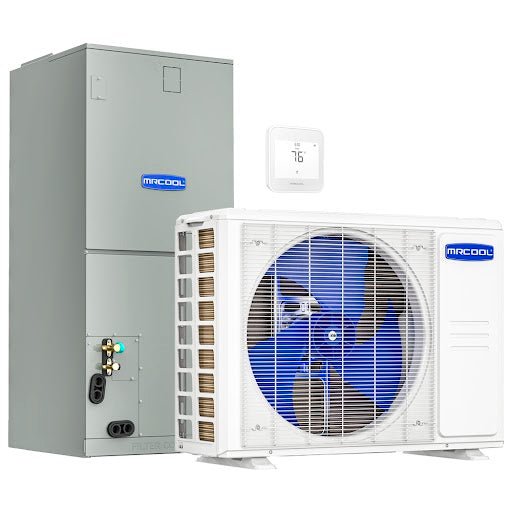
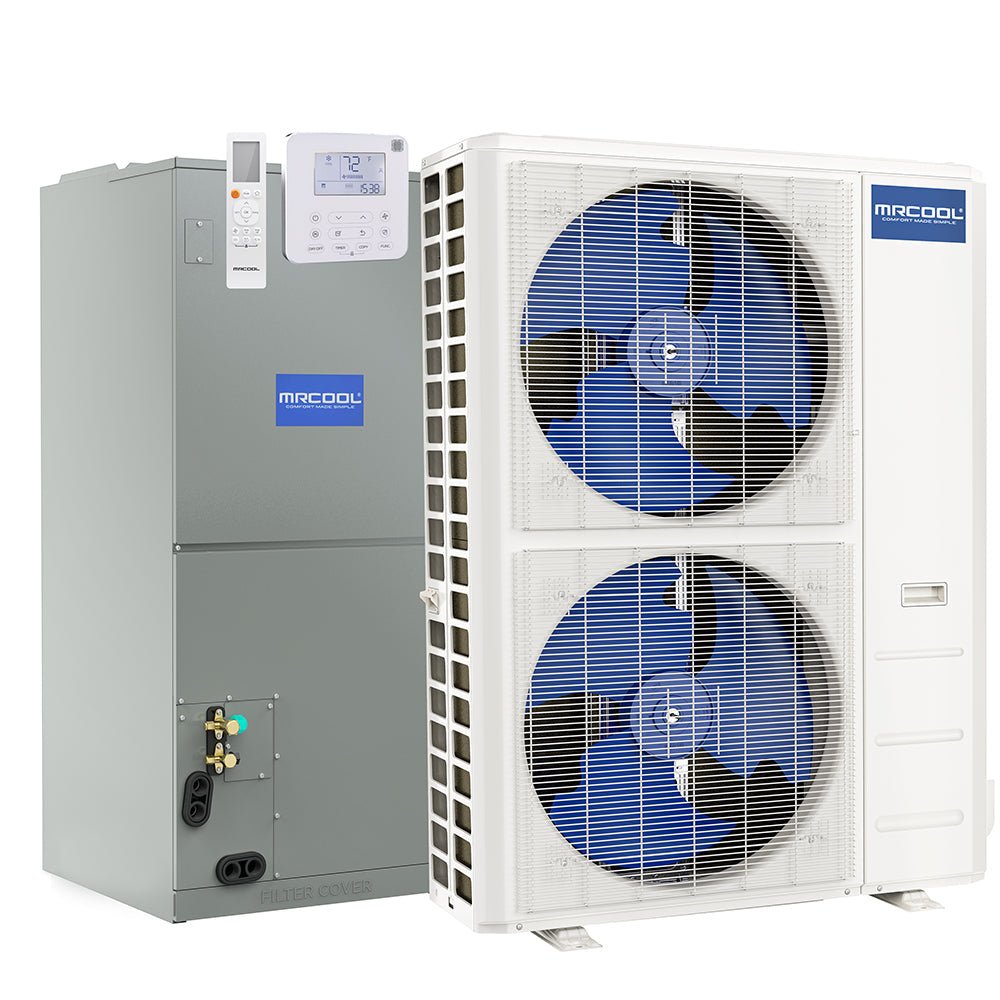
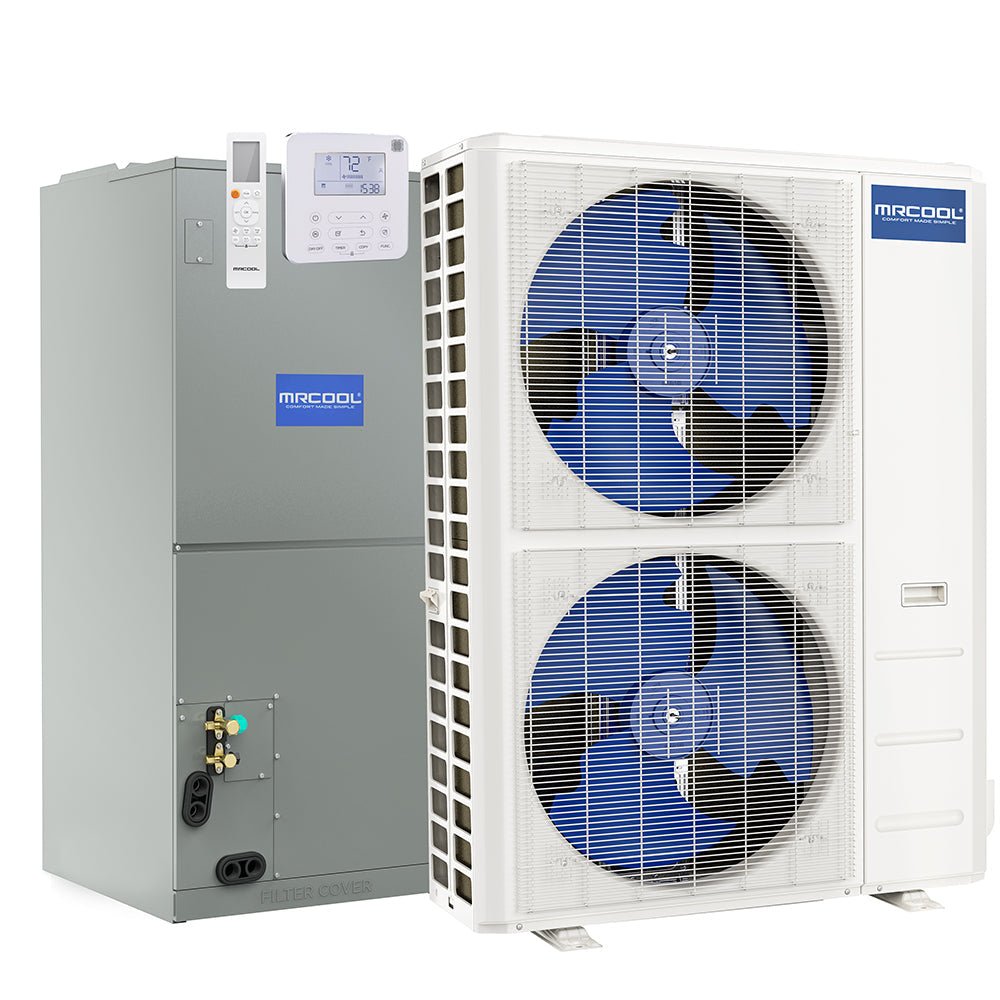
Optimizing your MRCOOL AC for the Summer
What Temperature Should You Set Your MRCOOL AC in Summer?
Finding the right thermostat setting for your MRCOOL DIY Mini Split isn’t just about staying cool—it’s about leveraging DC Inverter technology to balance comfort and extreme energy efficiency. Because MRCOOL systems are designed to modulate their power, the way you set your temperature can significantly impact your summer utility savings.
The Ideal "Set it and Forget it" Summer Strategy
For most homes, the Department of Energy recommends a baseline of 78°F when you are home and active. While this might sound high, MRCOOL’s superior dehumidification (Dry Mode) makes 78°F feel significantly cooler than it would with a traditional central air system.
To maximize your MRCOOL DIY 5th Gen system, use these targeted settings:
- When Home: 78°F (Use Follow Me mode on your remote for precision cooling where you are sitting).
- When Sleeping: 82°F (Activate Sleep Mode to automatically adjust the temp throughout the night).
- When Away: 85°F (Do not turn the unit off; let the inverter maintain a steady, energy-efficient idle).

The MRCOOL DIY 5th Gen offers industry-leading efficiency for summer cooling.
Why MRCOOL Systems Excel in Summer Heat
Unlike traditional ACs that "blast" on and off, MRCOOL’s variable-speed inverter compressors ramp up and down smoothly. This prevents the energy spikes that happen every time a standard unit kicks on.
By maintaining a consistent setting, your MRCOOL system can:
- Slash Energy Use: Inverter systems can be up to 30–40% more efficient than fixed-speed units.
- Eliminate Hot Spots: The continuous low-speed airflow keeps air moving without the "arctic blast" followed by "stifling heat" cycle.
- Handle Extreme Heat: Most MRCOOL DIY units are rated to provide steady cooling even when outdoor temperatures soar to 122°F.
Master Your Comfort with the SmartHVAC App
The secret weapon for MRCOOL owners is the SmartHVAC App. Using a MRCOOL Smart Thermostat or the included Wi-Fi USB stick, you can automate your summer savings.
- Comfy Mode: Set a "Rule" where the AC switches to Fan-only mode if the room hits 76°F and kicks back into Cool mode at 79°F.
- Geofencing: Use the app to detect when you leave the house and automatically raise the temperature to 85°F.
- Scheduling: Map out your entire week so your sunroom is only cooled during the hours you actually use it.

Control your efficiency from anywhere with the SmartHVAC app.
3 Quick Tips for MRCOOL Summer Efficiency
- Clean the Filters: Use the Active Clean function or manually wash your filters every month.
- Utilize Dry Mode: On humid but mild days, run your MRCOOL in Dry Mode to remove moisture without over-cooling.
- Protect Your Line Set: Ensure your line sets are shielded from direct sunlight using a LineGuard enclosure to prevent heat gain.
Summer HVAC FAQ
Does it cost more to leave my MRCOOL mini split on all day?
No. MRCOOL inverters are designed to run continuously at low power. It is more expensive to turn the unit off and force it to work at 100% capacity later to remove heat buildup.
What is the "Follow Me" feature?
When enabled, the remote control acts as the thermostat sensor, cooling the area where you are sitting rather than just the wall unit.
Is 78°F really comfortable?
Yes. With MRCOOL’s consistent moisture removal, 78°F feels much more pleasant than it does with a window unit or an old central AC.